ainative-business Documentation
ainative-business is a local-first AI agent operations workspace. Explore the product surfaces below to see how home, execution, projects, workflows, profiles, schedules, documents, tables, chat, environment, monitoring, cost governance, and approvals fit together.
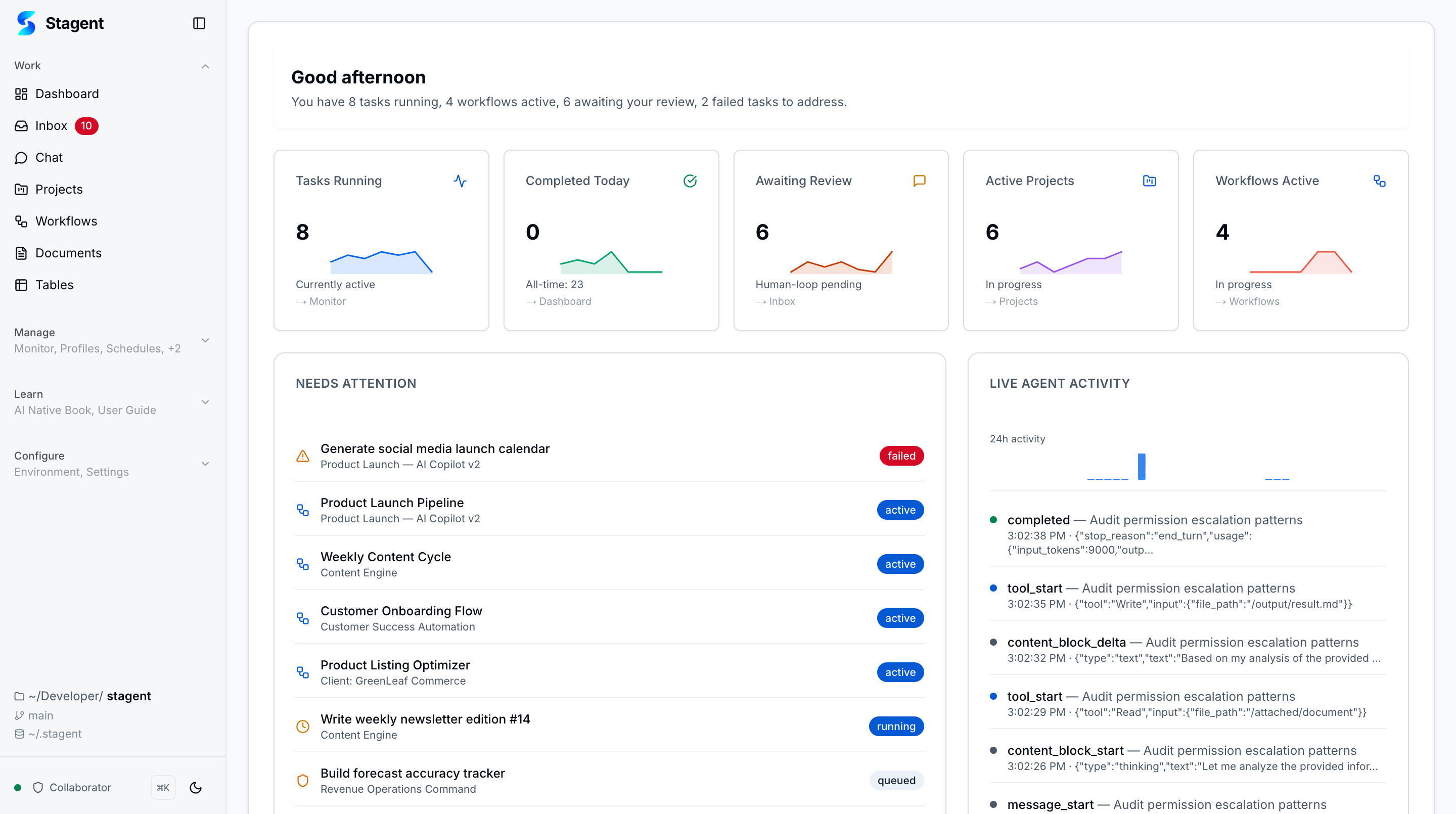
Home & Dashboard
Workspace briefing with micro-visualizations, execution lanes, and live operational signals.
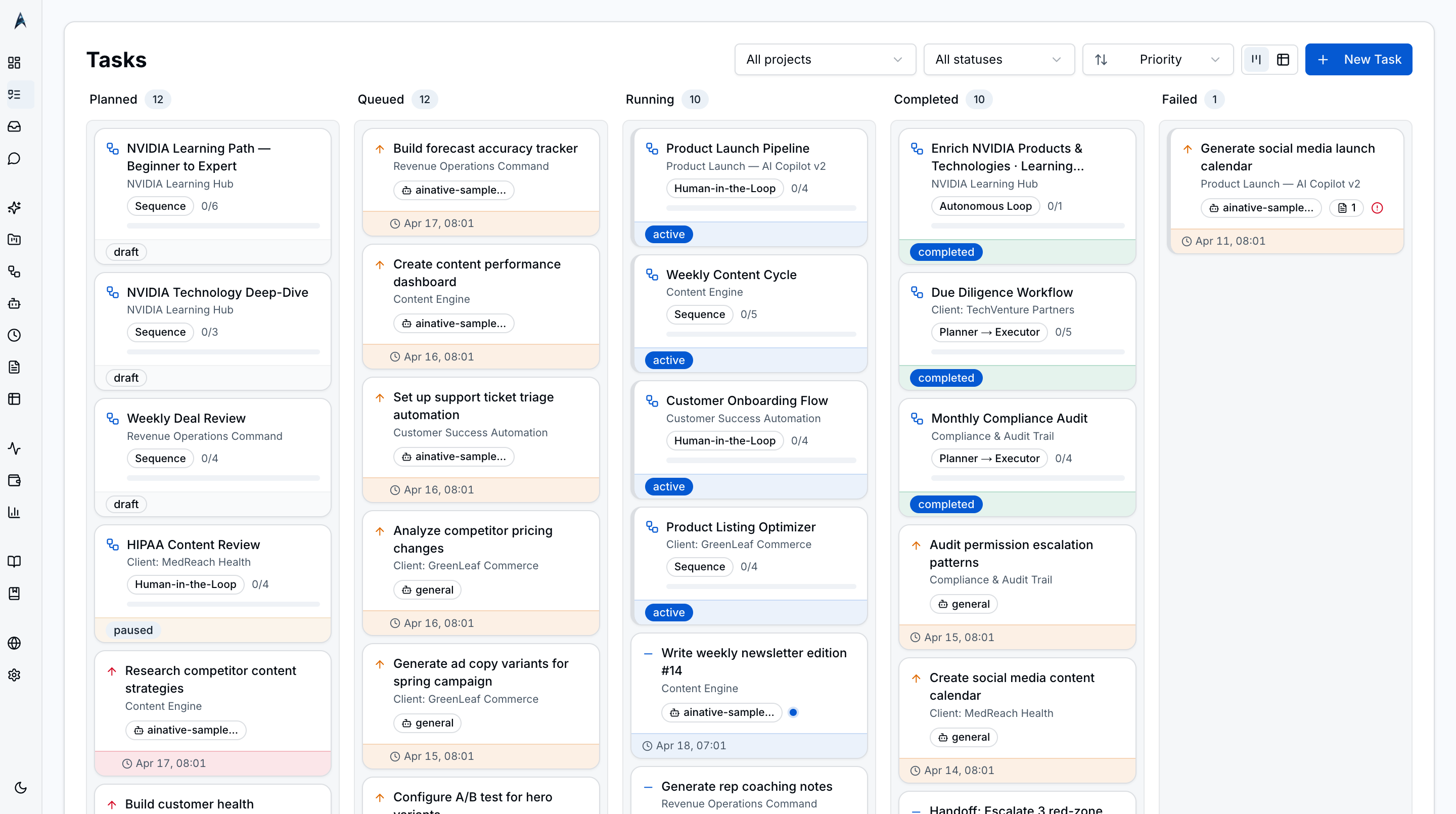
Task Execution
Status-driven task flow, AI-assisted creation, bento detail view, and bulk operations.
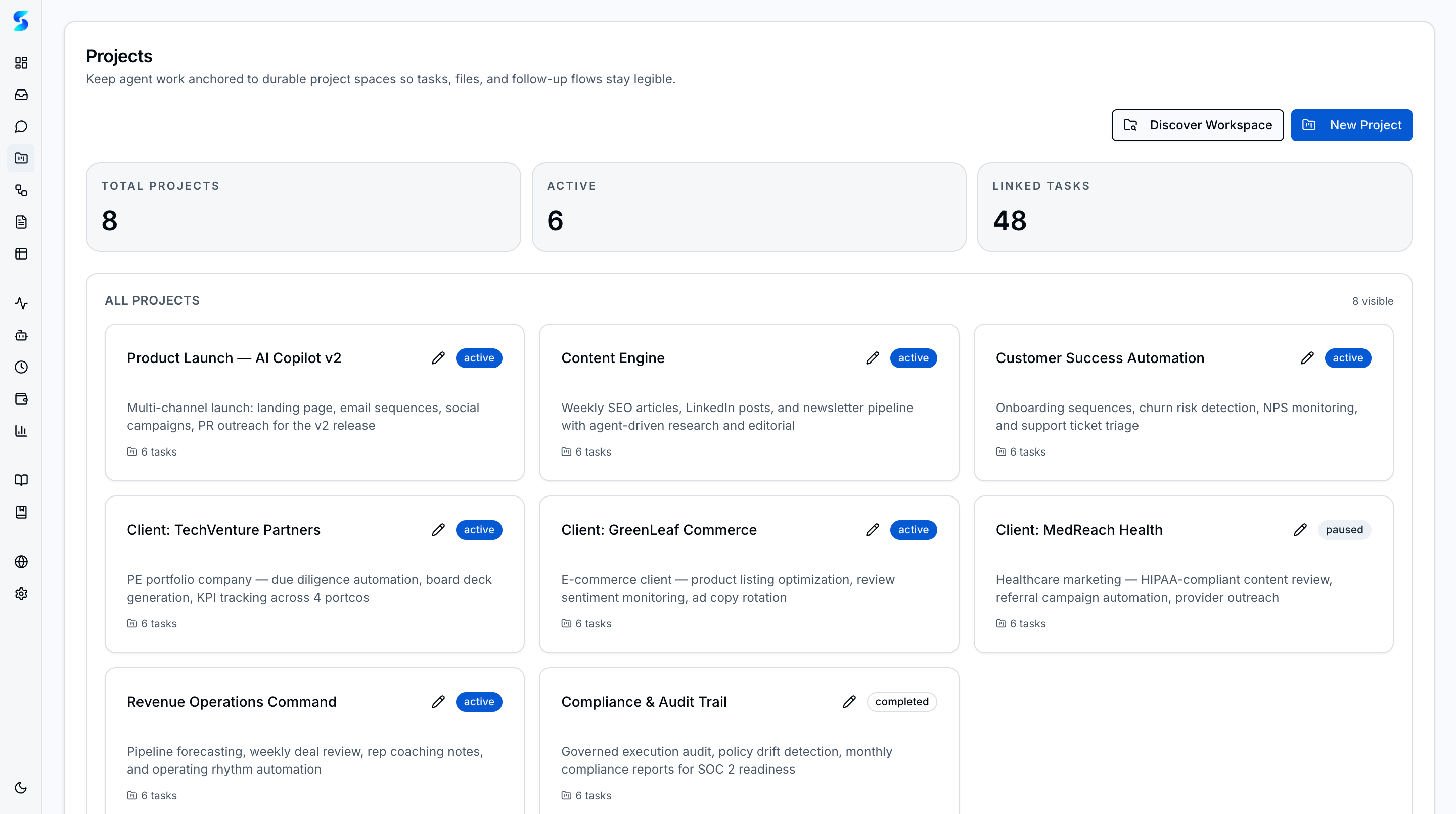
Projects
Portfolio organization with working directories, completion donuts, and scoped execution.
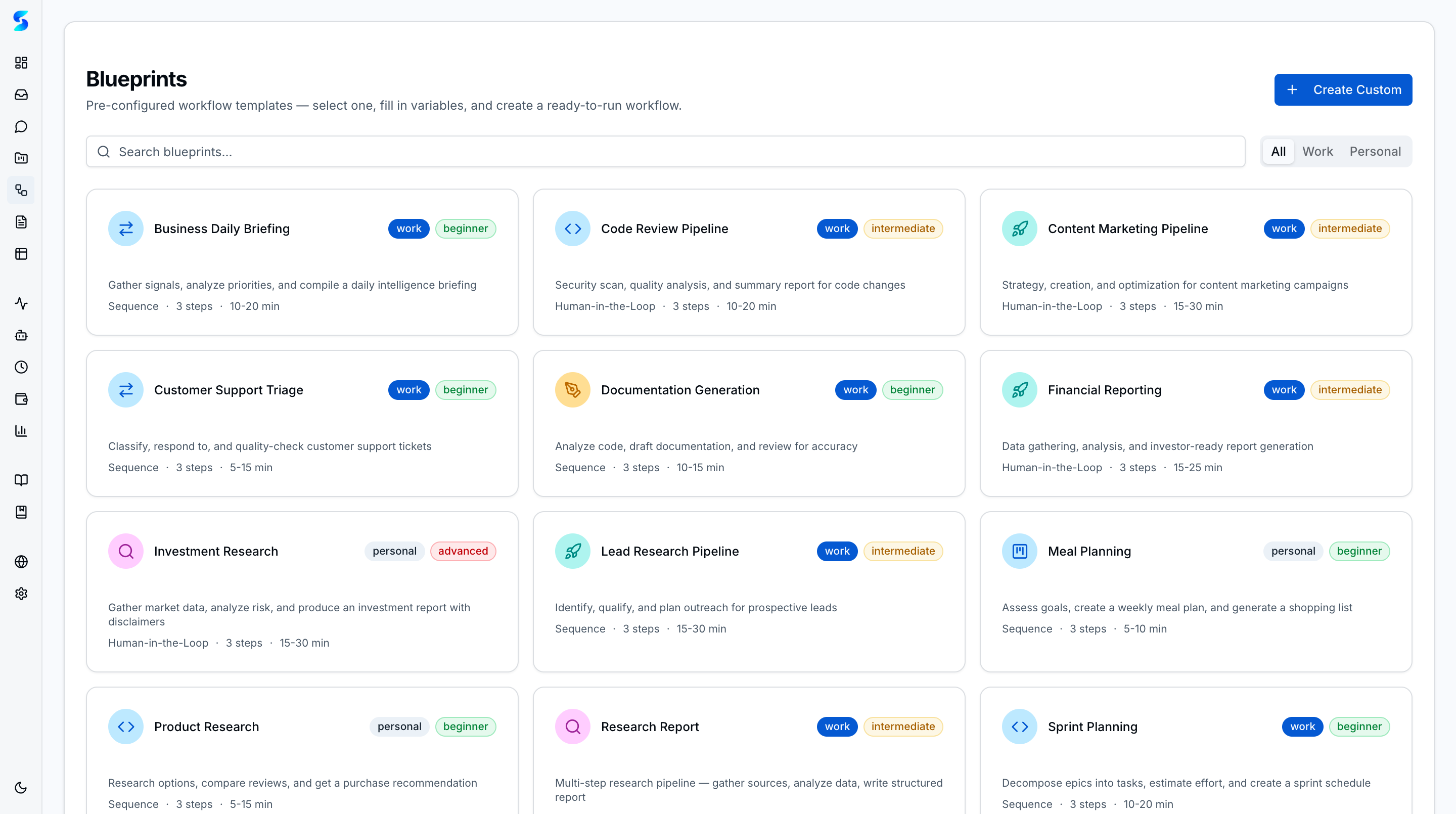
Workflows
Six execution patterns, blueprint catalog, step-level retry, and time-delay steps for drip sequences.
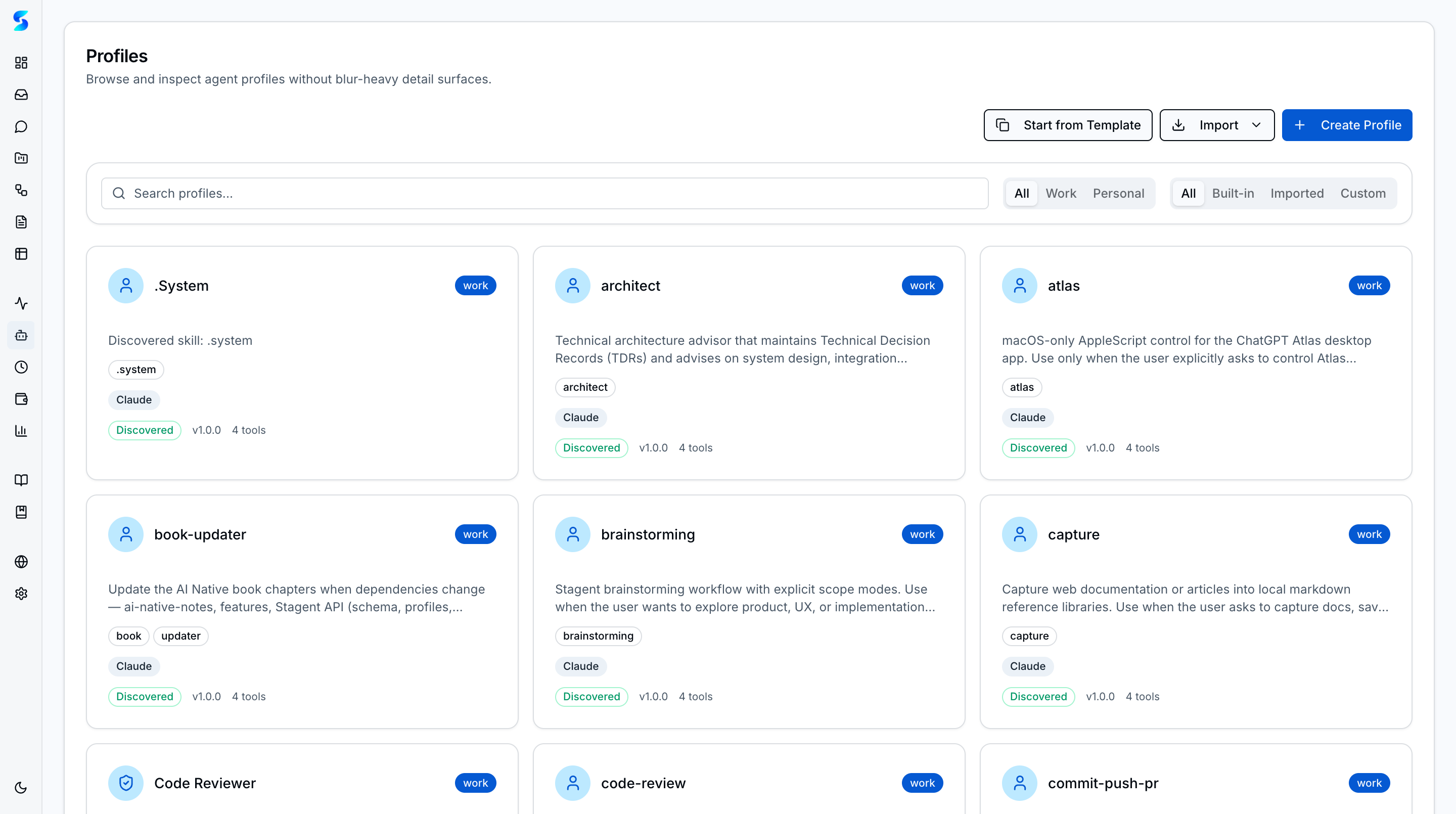
Profiles
Technical and business-function profiles across 5 providers with auto-detect routing and supervised self-improvement.
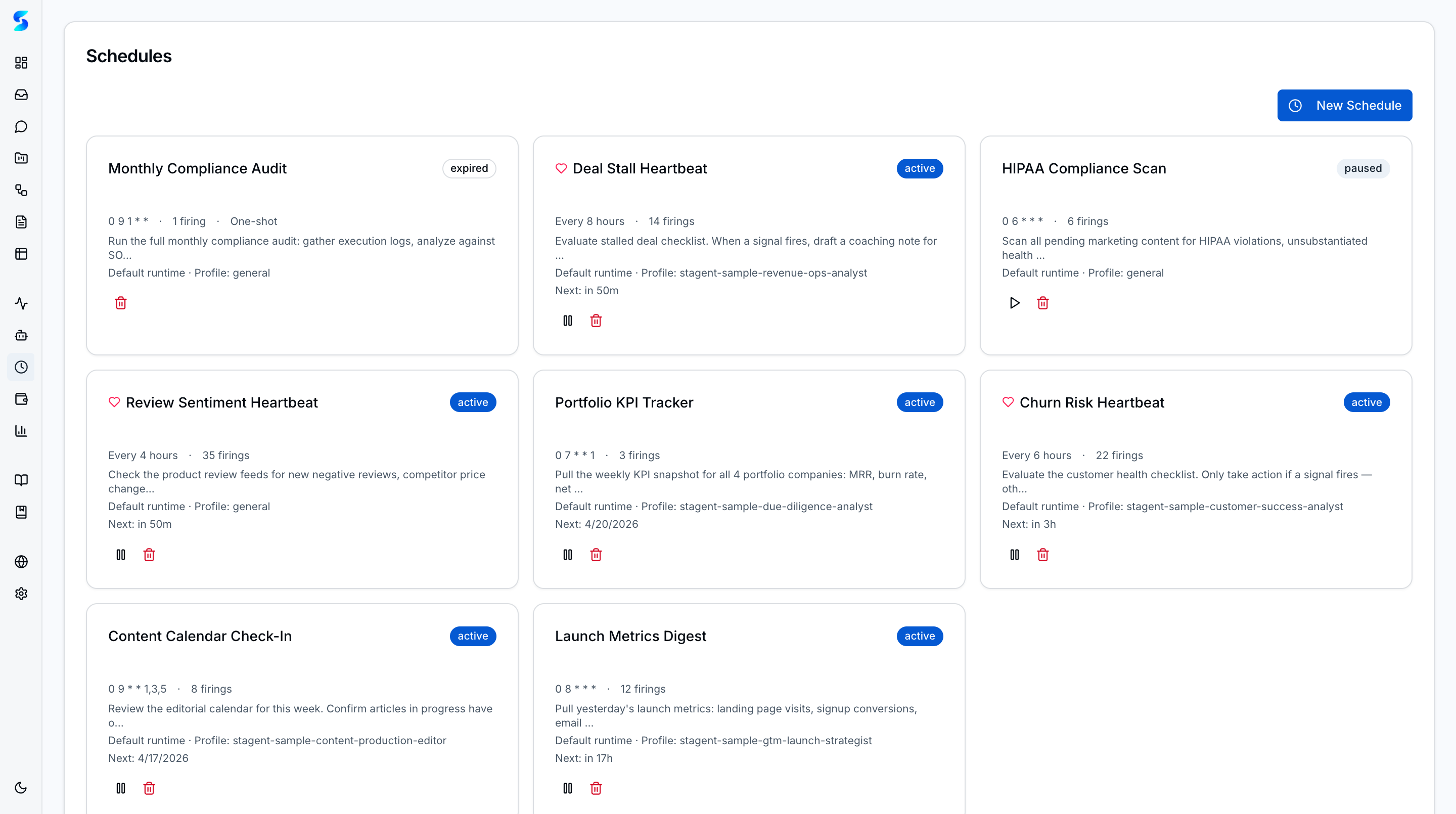
Schedules
Clock-driven and heartbeat schedules with concurrency caps, per-schedule turn budgets, and natural language intervals.
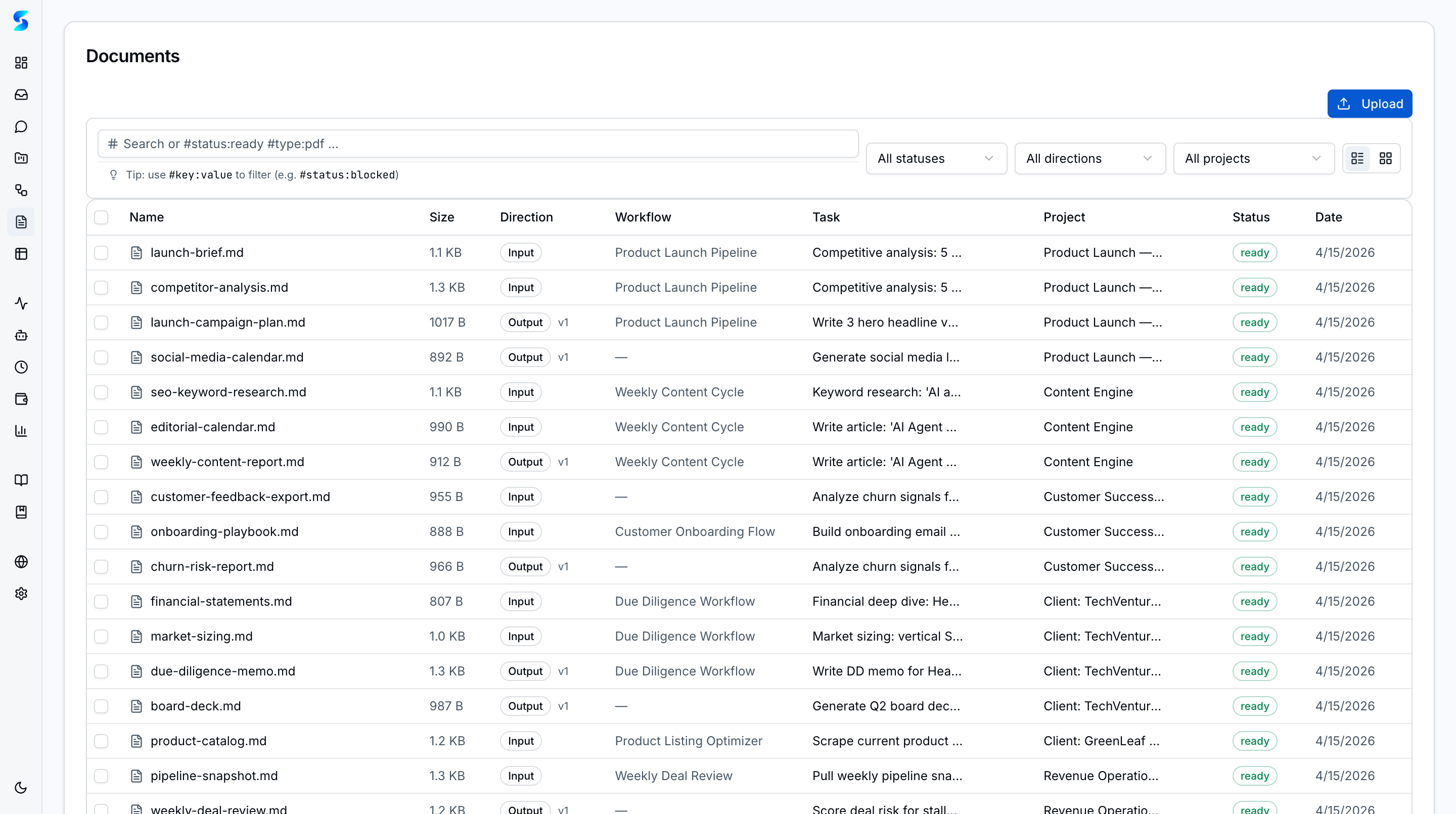
Documents
Drag-and-drop upload, automatic text extraction, filter namespace syntax, saved searches, and agent context injection.
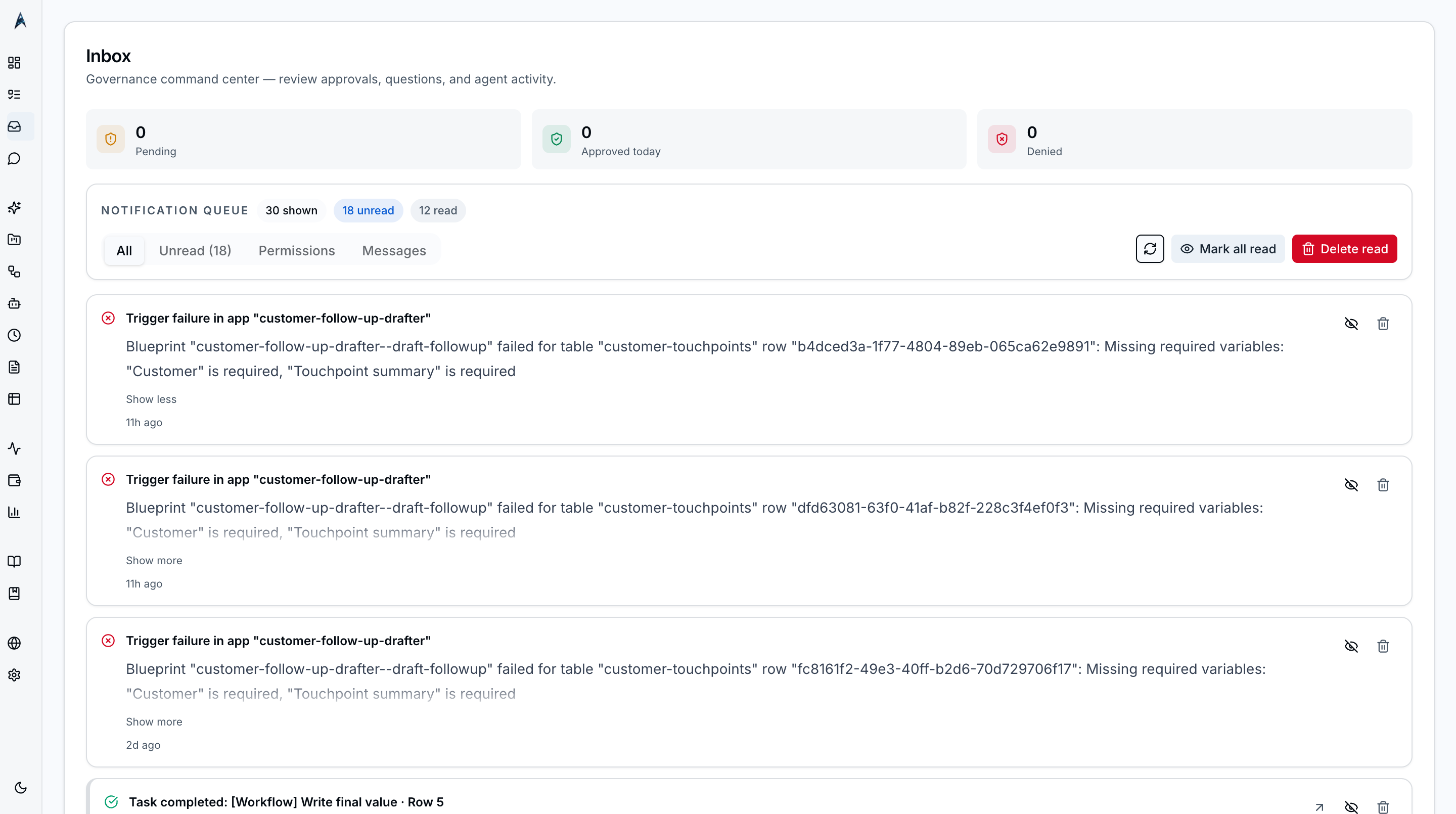
Human-in-the-Loop
Approval controls, ambient toasts, agent handoffs, budget alerts, and rich content rendering.
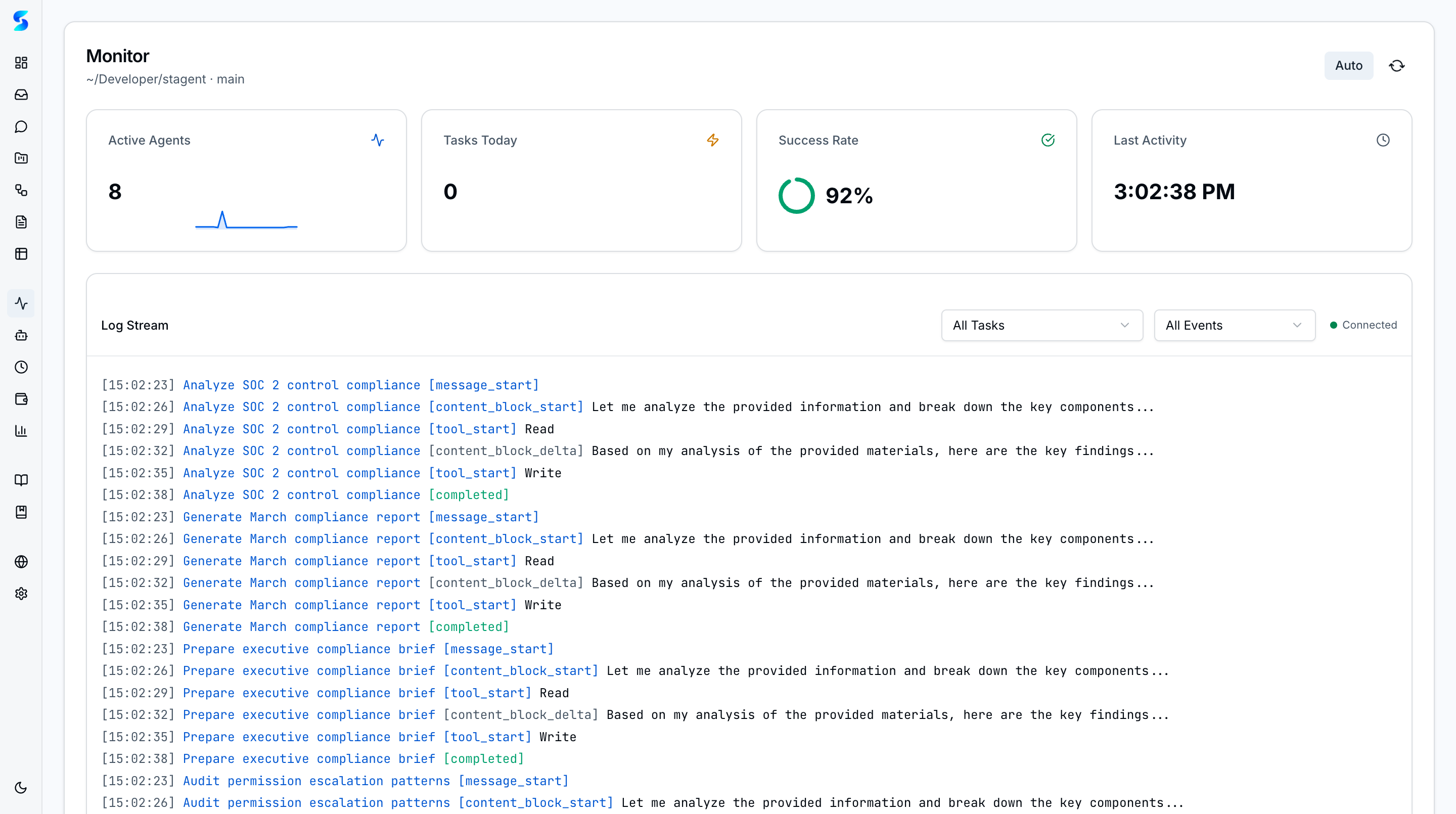
Monitoring
Streaming logs with click-to-navigate, auto-pause on tab switch, and event filtering.
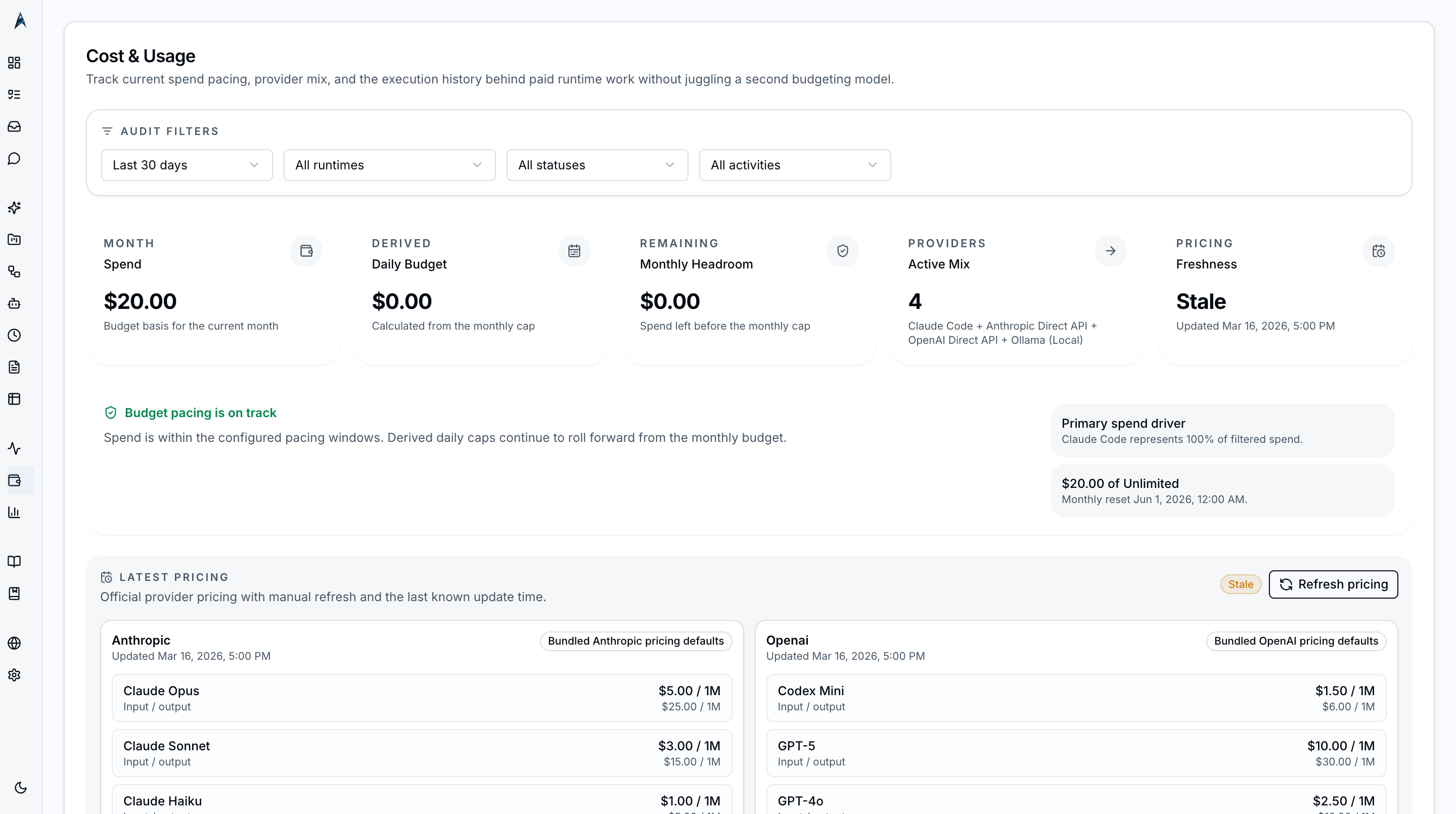
Cost & Usage
Five-provider spend ledger with budget enforcement, project budgets, and Ollama at $0.
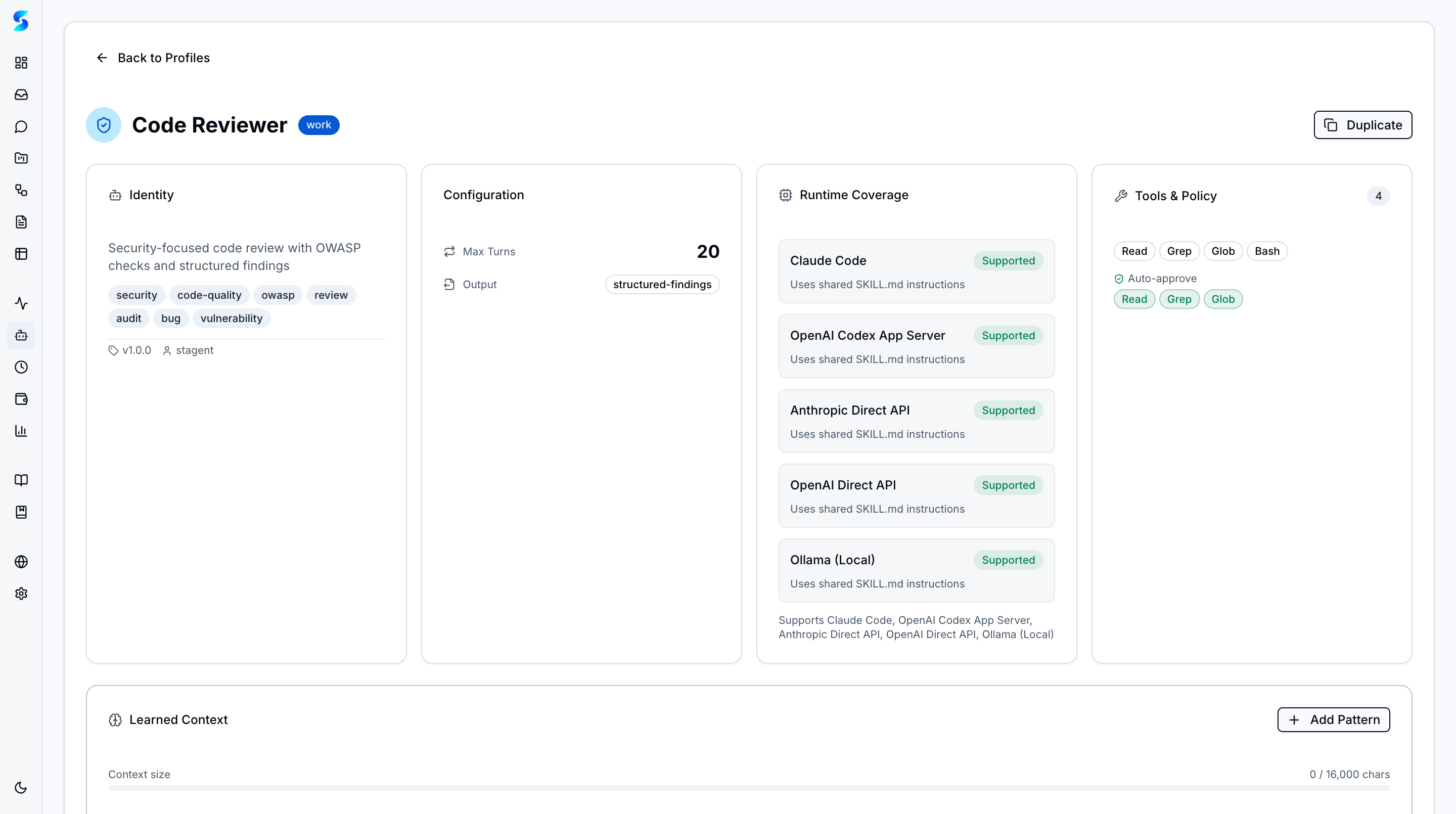
Agent Integration
Five provider runtimes with smart router, profile-backed policies, episodic memory, and async handoffs.
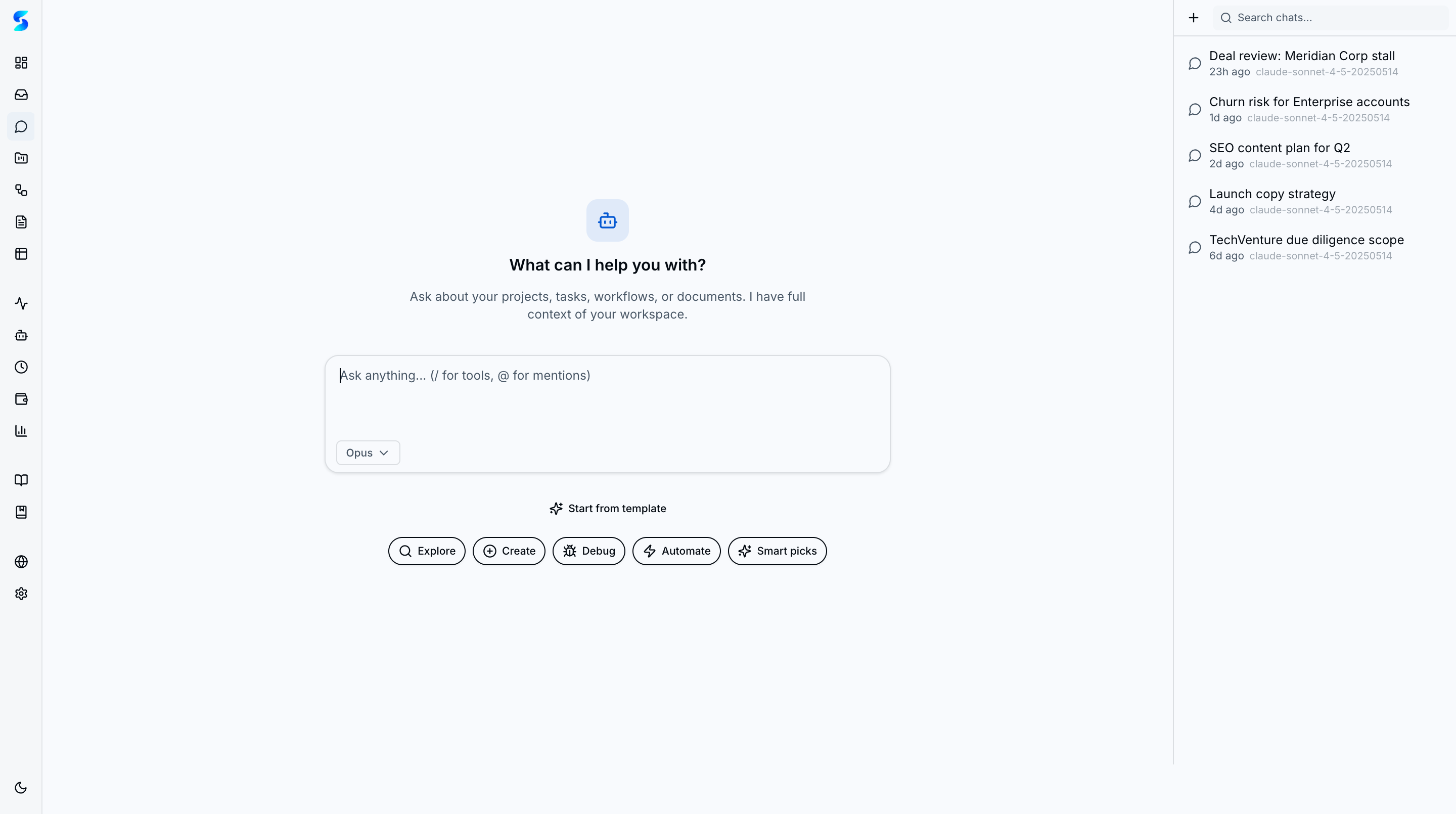
Chat
Tool Catalog with slash commands, skill composition, conversation templates, @ mentions, saved searches, and bidirectional channels.
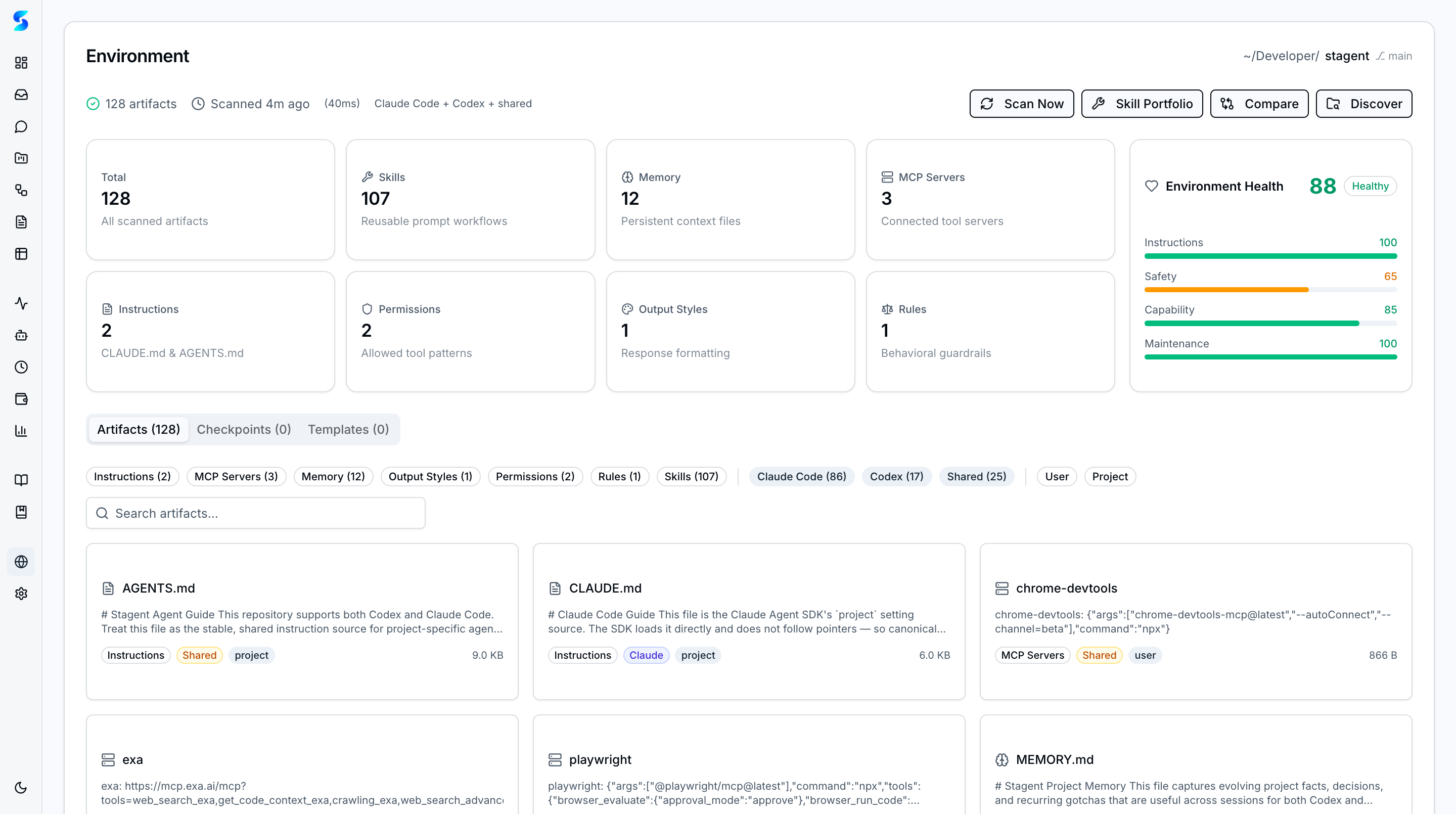
Environment
Scan, audit, and manage Claude Code and Codex CLI environments with health scoring and artifact discovery.
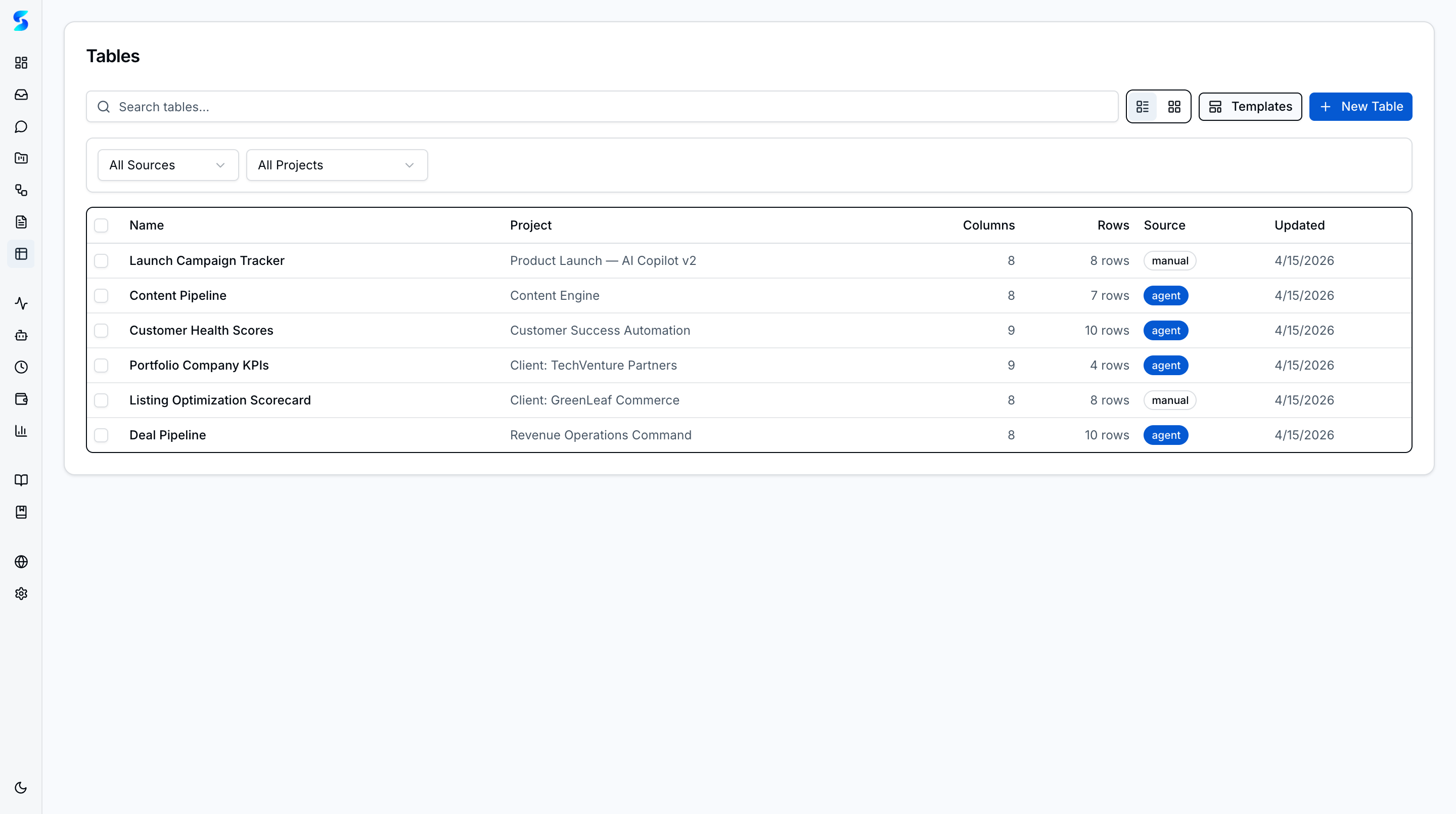
Tables
Structured data tables with spreadsheet editing, charts, triggers, templates, and bulk row enrichment via agent loops.
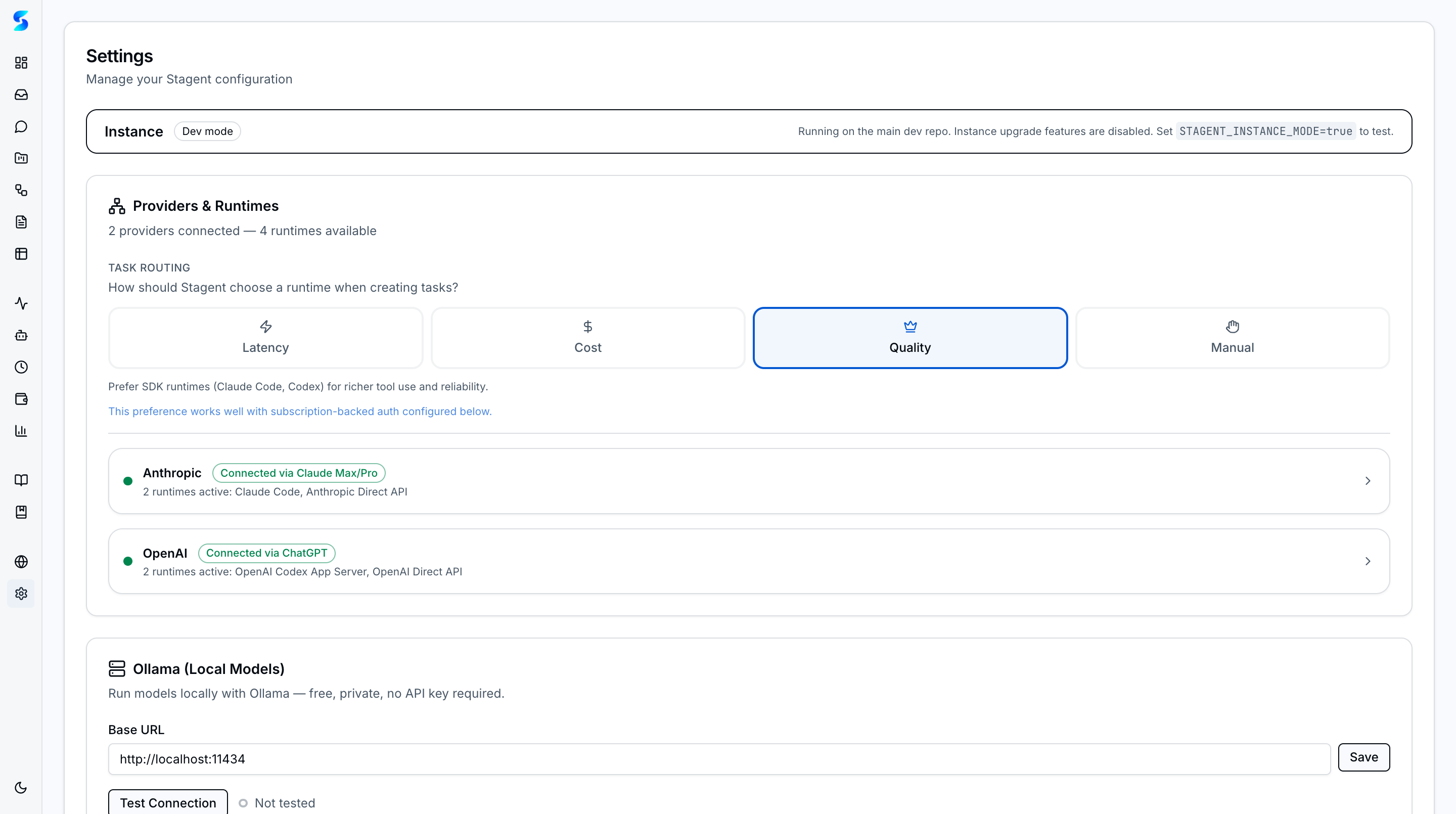
Settings
Providers & Runtimes, delivery channels, permission presets, database snapshots, and instance upgrade flow.